Your vegetable garden, week after week.
Hortipix is a pixel art vegetable garden planner for beginners, free to try. It draws your garden from your plot, your climate and the time you have, then grows it week after week and tells you what to do.
Create my gardenSee an example garden
No account, no card. Free while in testing.
How it works
Answer five questions
Where your garden is, its size, its sun, what you like to eat, how much time you have. Two minutes.
Your plan appears
Beds, crops, spacing and neighbours worked out by gardening rules, for your hardiness zone.
Follow it week by week
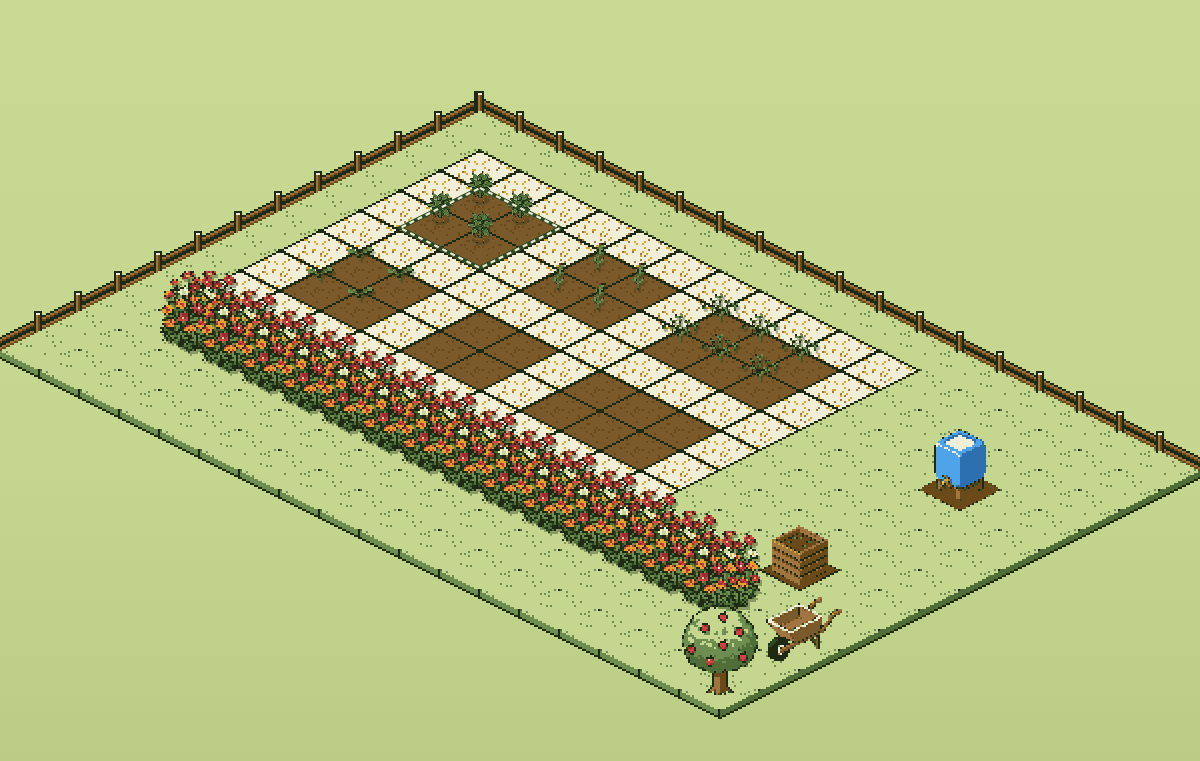
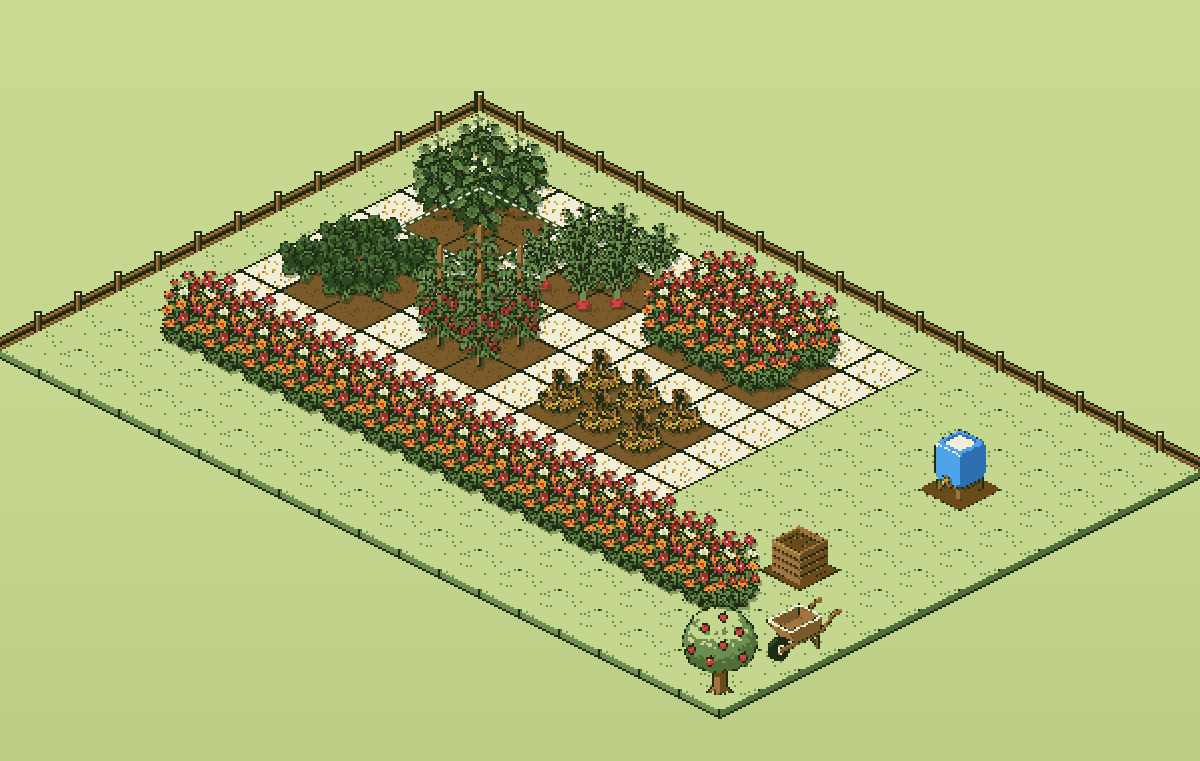
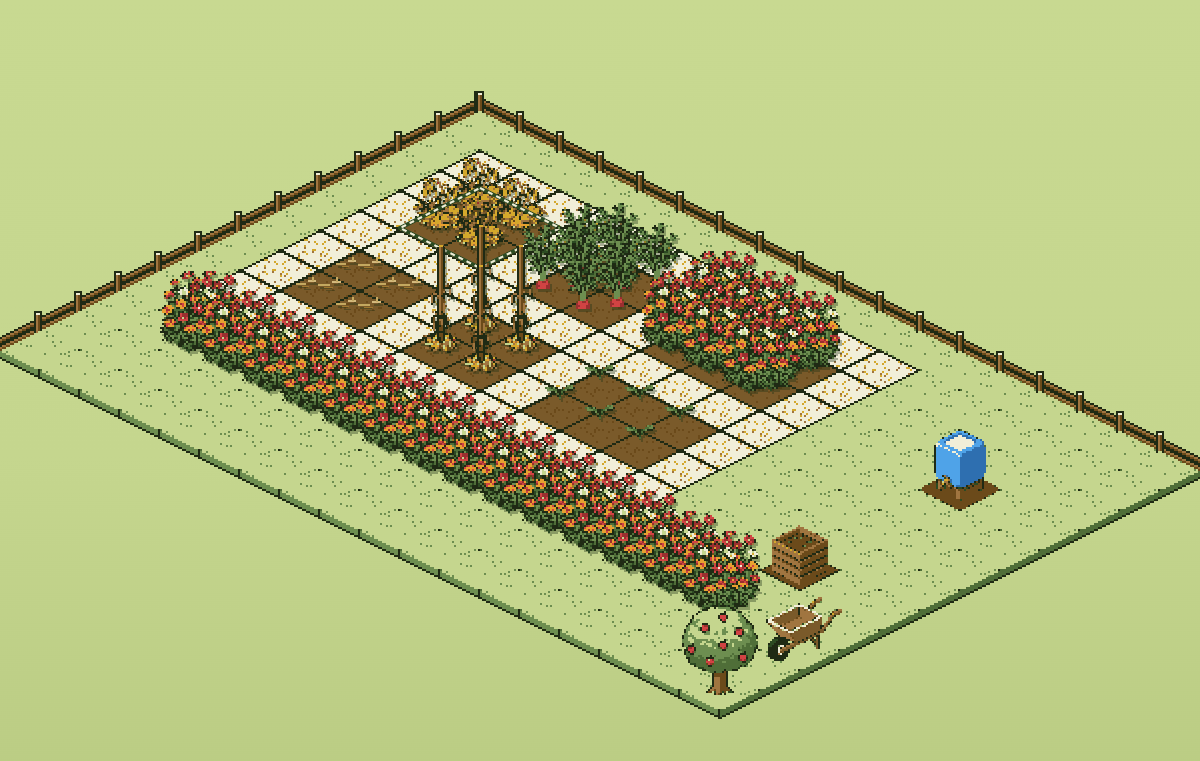
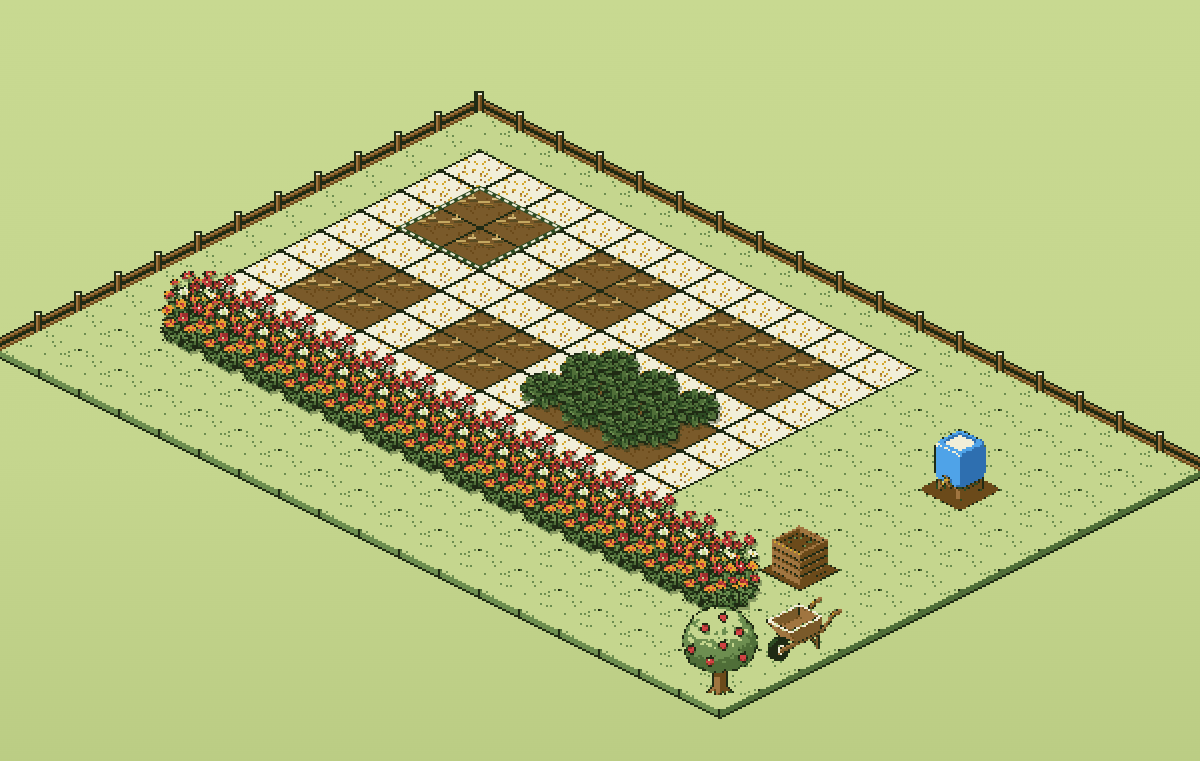
Slide through time to watch each bed grow. The agenda tells you what to prepare, sow and plant this week.
What Hortipix does differently
A plan to scale
Every bed sits on your plot in 50 cm squares, paths included. You see where each crop goes, not just a list.
Your town, not your region
In France the hardiness zone comes from your municipality, one of 34,700. Sowing dates follow.
Rules, not AI
The plan comes from a rules engine: sowing windows, companions, spacing, the time you have. The same garden gives the same plan.
Your garden stays with you
Everything lives in your browser and works offline, even at the bottom of the garden. No account needed to try it.
Lucien tells you what matters
I’m Lucien. I read your plan and your agenda, and tell you what matters this week. I don’t guess: my lines are written in advance.
Lucien the earthworm comments on your garden by season, crops and what’s coming up. No language model, no data sent anywhere.
What it costs
Free while in testing. After that, 15 full days to try it with no account or card, then €29 (£25, $29) a year or the free version: your garden stays visible and so does this week’s agenda.
When to sow what
Each crop’s calendar by hardiness zone, from the same catalogue that builds the plans.
Questions
What is Hortipix?
A vegetable garden planner for beginners, drawn in pixel art and worked out by gardening rules, not by an AI. Answer five questions, get a to-scale plan and each week’s tasks. Free while in testing; after that, a full 15-day trial with no account, then €29 a year or a limited free version. The garden stays in your browser.
Do I need an account?
No. Your garden is created and kept in your browser. An account will let you open it on another device once sync arrives.
Does it work on a phone?
Yes, on phones, tablets and computers. You can add it to your home screen; it then opens even without a connection.
I only have a balcony.
Choose “balcony” at step two: Hortipix lays out containers instead of beds and only keeps crops that grow in pots.
Outside France?
France by town, the UK by postcode (Northern Ireland excepted) and the US by ZIP code, with local weather. Elsewhere the plan starts from a default climate (zone 8, most of the UK).